DJI Apps – Errors with Play Store versions on Android

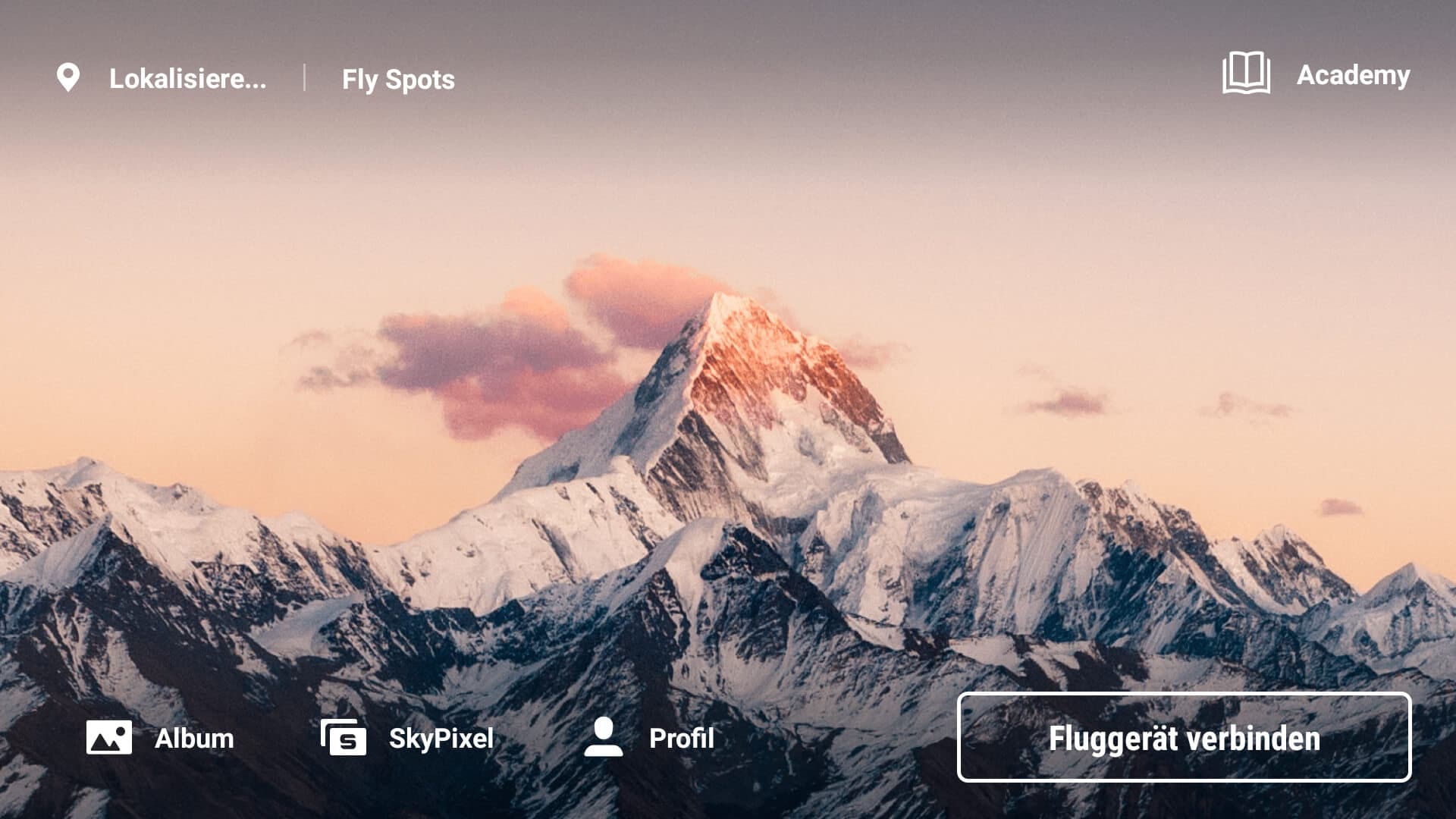
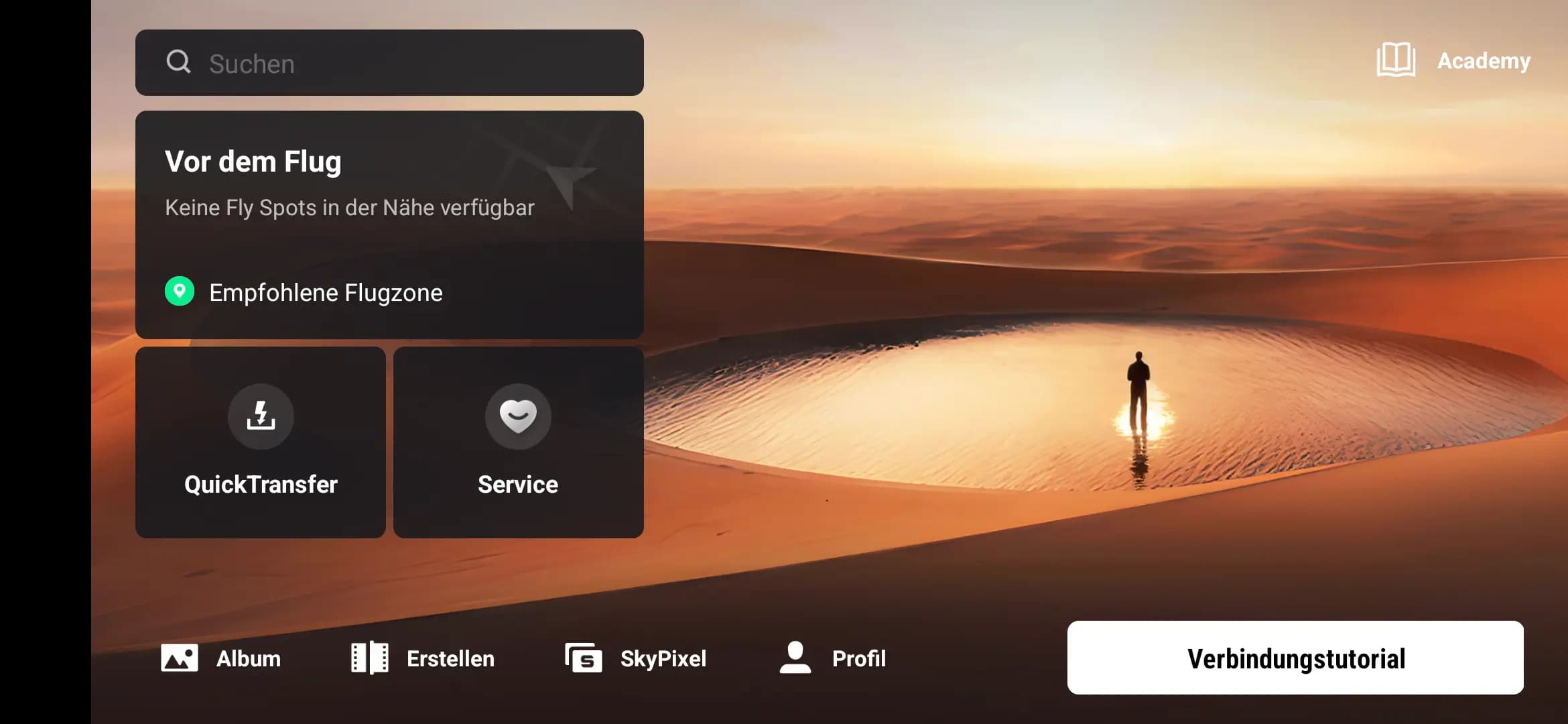
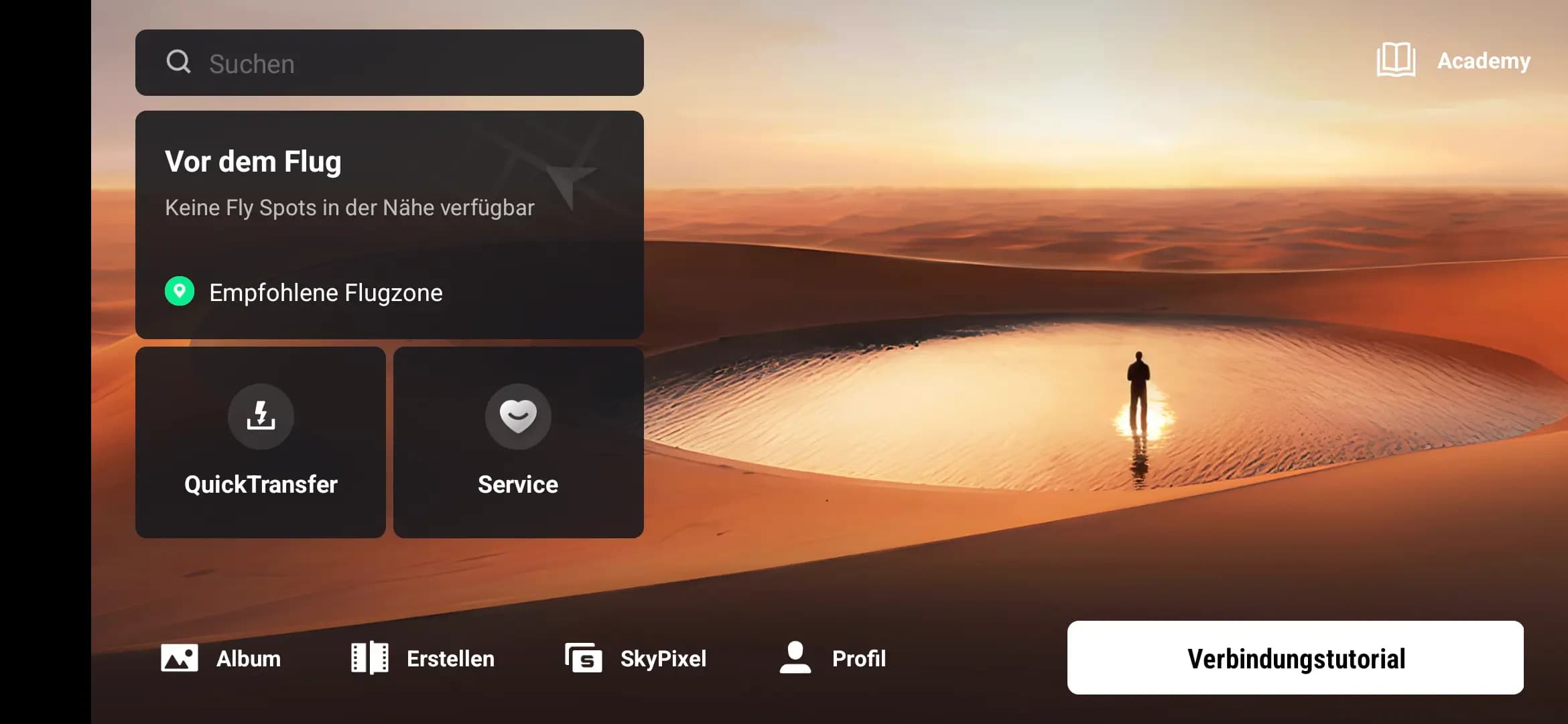
If you own the DJI Fly app or the DJI Go 4 app from the official Google Play Store, you will most likely have problems. We will explain to you why this is the case.
Usually, you download apps from the official stores of the manufacturers. In the case of Android, it is the Google Play Store. However, if you buy a DJI drone and have downloaded the DJI Fly app or the DJI Go 4 app from the official Google App Store, you will most likely encounter problems when using it.
The reason: Since version 1.2.4 of the Fly app and version 4.3.37 of the Go 4 app, they are no longer offered or updated in the Play Store. The latest version of the apps for Android is officially only available from the DJI website.
If you still use one of the outdated app versions, you will most likely fail when trying to start the app. Depending on the Android version, the startup process aborts with an error message. However, this usually does not happen with the current app versions.
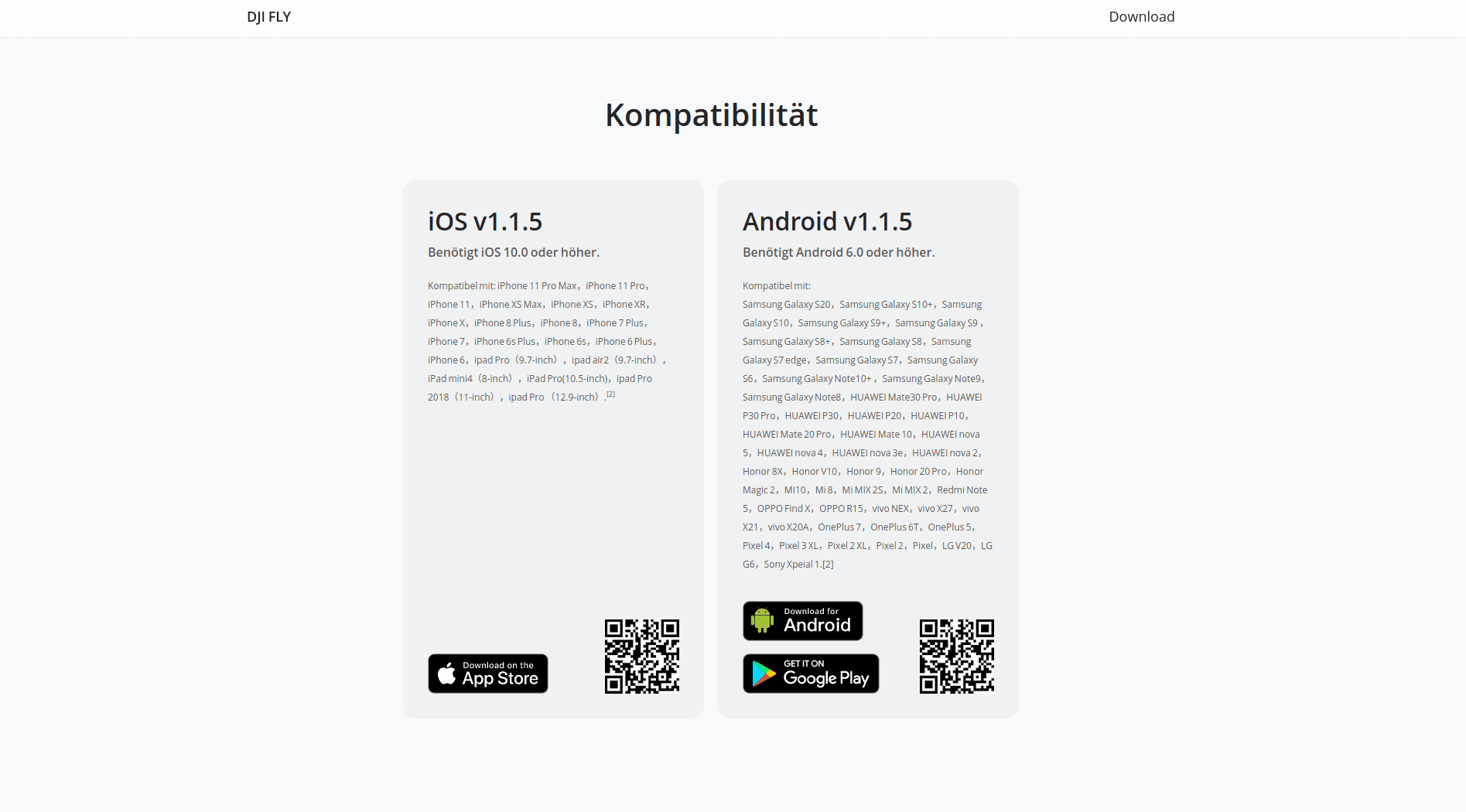
DJI App Downloads
If you have problems with the DJI Fly App/DJI Go 4 App, you should first check which version is installed. If it is the version from the Play Store, you should remove it and download it from the DJI site. Here you will always find the latest version of the apps.
Why DJI no longer offers its apps in the Google App Store is not entirely clear. In the Apple universe, the manufacturer still offers the latest version of its apps. However, it is also much more complicated to install apps outside of the official store.
What problems can occur with old app versions?
The possible problems that can occur with an outdated app version of the DJI apps is different. As mentioned above, the main problem is probably that the app does not start at all. Other problems include uncontrolled app crashes, missing features that are only available with newer versions, and incompatibilities when trying to connect a drone to the app. The errors can vary depending on the smartphone model, Android version and drone.
It is always advised to use the latest version of the DJI apps to ensure smooth usage.
In-App Updates
DJI offers an in-app updater so that DJI apps can remain up to date on their own. This ensures that the app can update itself. How this works and what you have to keep in mind is described in our article (german) DJI Fly App – In-App-Update durchführen [Anleitung] using the DJI Fly App as an example.
If you are experiencing further problems with the DJI Go 4 app, you should take a look at our article (german) DJI Go 4 App Crash beheben [Android / iOS]. There, we suggest solutions for known problems that can occur when launching the app.
Was this article helpful?
Subscribe to our newsletter
Subscribe to our newsletter and get fresh articles on a regular basis.