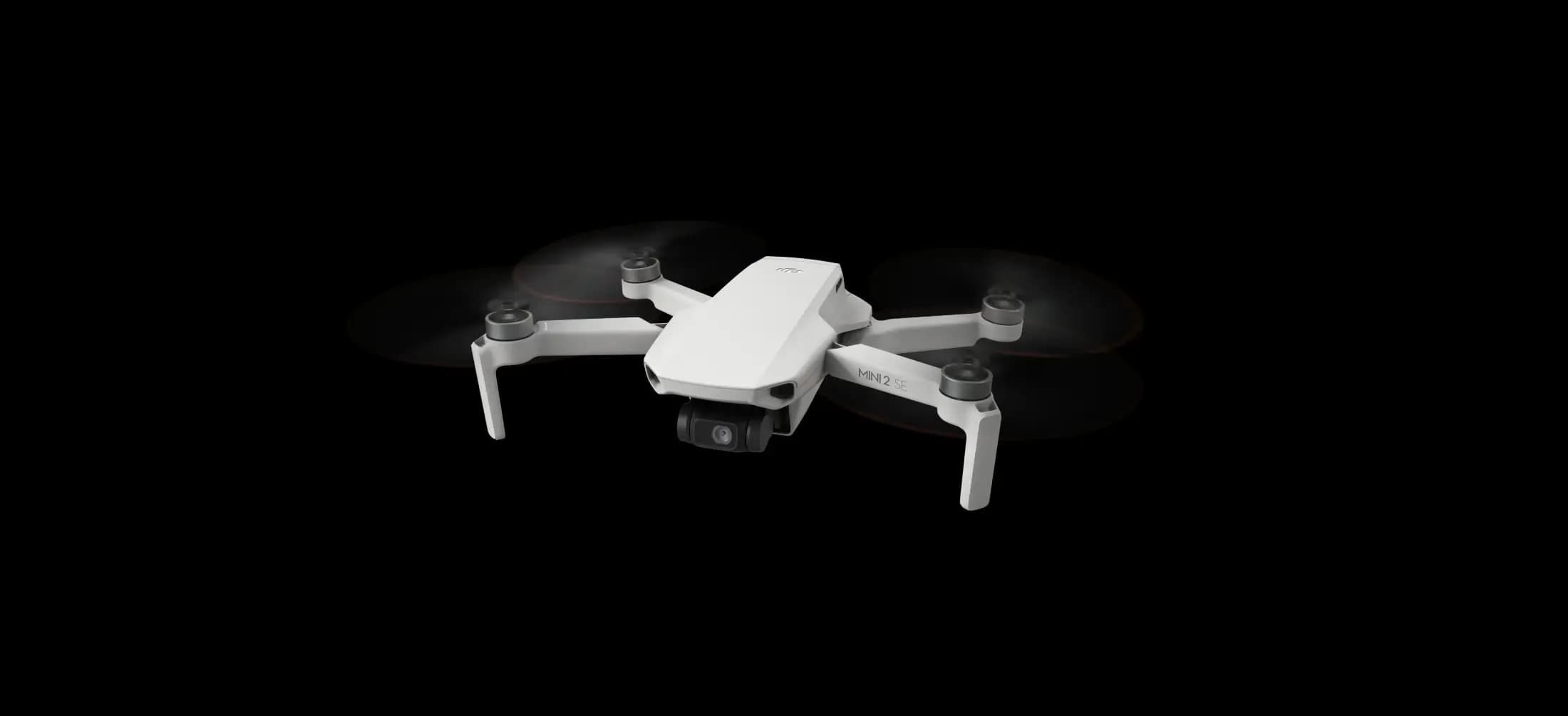
DJI Mini 2 SE firmware updates at a glance

Get an overview of current and past DJI Mini 2 SE firmware updates here.
Overview of the DJI Mini 2 SE firmware v01.00.0360
- Date: 2023.3.31
- Aircraft firmware: v01.00.0360
- DJI RC-N1 Remote Controller Firmware: v04.11.0200
- DJI Fly App iOS: v1.9.8
- DJI Fly App Android: v1.9.8
Patch notes for Mini 2 SE v01.00.0360
- The Reset All Settings and Clear All Data options have been added. For more information, please refer to the DJI Mini 2 (SE) User Manual v1.0.
Source: forum.dji.com
Reset DJI Mini 2 SE settings
Simply scroll to the bottom of the „About“ tab and tap „Reset all settings“ to reset the camera, gimbal and safety settings to the default values. This is handy if you want to reset everything to the factory settings and set up the drone from scratch.
You can also tap „Delete all data“ to delete all data stored in the internal memory and on the microSD card, including flight logs, and reset all settings to the default values. This is useful if you want to sell your drone.
Notes
If the firmware update fails, restart the DJI Mini 2, the remote control and the DJI Fly app and then try again. The most common problems can usually be solved in this way.
Perform DJI Mini 2 firmware update
We have already summarised instructions on how you can easily update the firmware of the DJI Mini 2 in a separate article – Performing a DJI Mini 2 firmware update.
Was this article helpful?
Subscribe to our newsletter
Subscribe to our newsletter and get fresh articles on a regular basis.