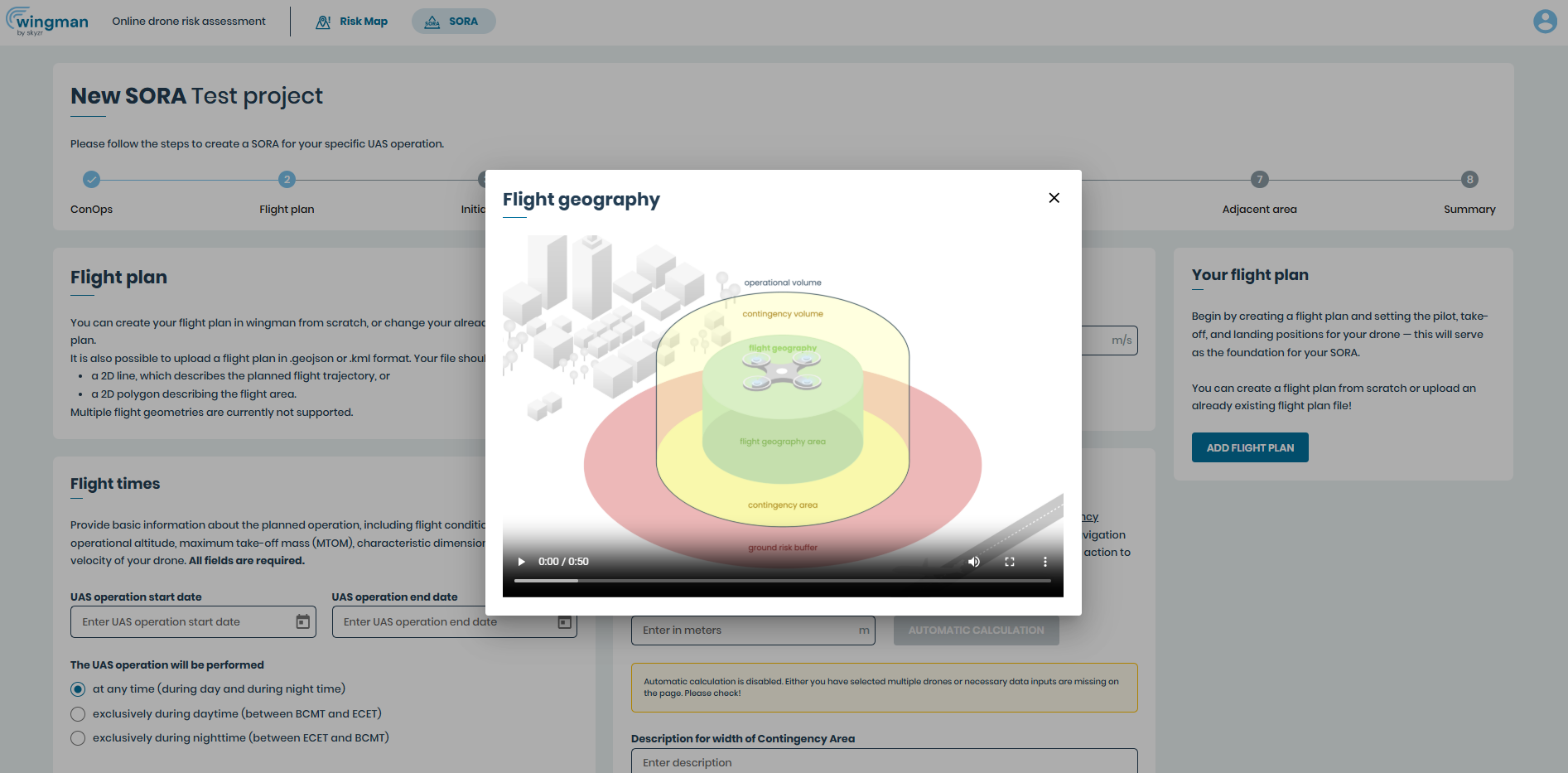
Automatically calculate contingency and buffer zone
Automatically calculate the lateral and vertical expansion of the contingency volume and the dimensions of the required ground risk buffer, saving you time-consuming manual calculations and avoiding calculation errors. Our community has confirmed that this feature can save a lot of time!
To help you, you can watch an animated video explaining how flight geography, contingency volume, operational volume and ground risk buffer are defined.
Calculation of contingency volume
The lateral and vertical contingency volume is calculated automatically at the touch of a button and based on the data you have previously entered, if you wish. Depending on the technical specifications of your drone, different, generally accepted formulas from the German Federal Aviation Authority (LBA) are used. Alternatively, you can also calculate the contingency volume manually and enter the values. In this case, you must document the calculation method well so that it is comprehensible to the authorities.
Calculation of the ground risk buffer
The ground risk buffer can also be calculated automatically. Either the simple 1:1 rule or the usually more accurate ballistic method can be used for this. Here, too, there are differences depending on the technical details of your drone. But you don’t need to worry about this – wingman automatically recognises which formula is best suited to your drone.